Review Your Session
Recording is only half the job. Reviewing is where the hands turn into answers: Am I actually winning? At which stakes? And how am I really playing?
Open the session
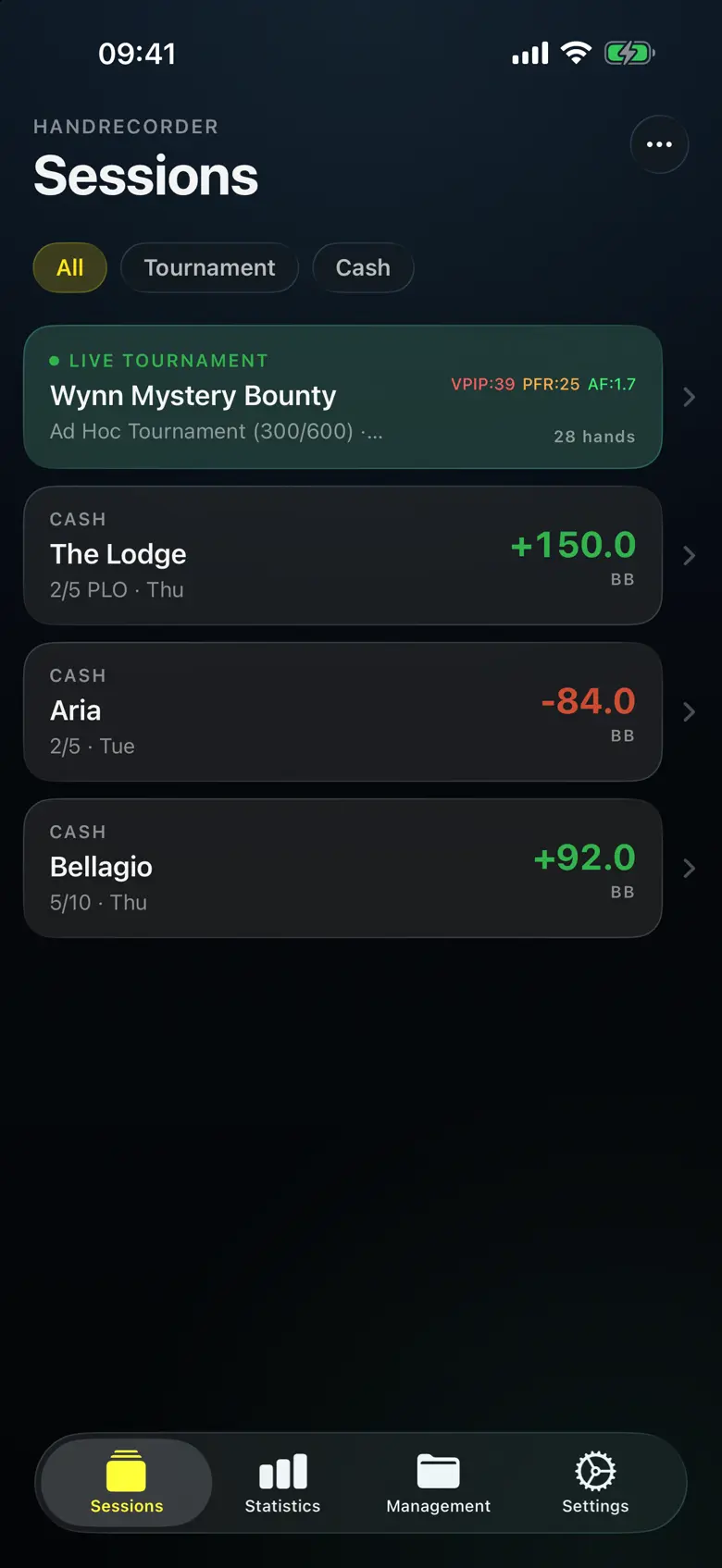
Go to Sessions. Filter by All / Tournament / Cash to find the run you want, then tap it to open the session detail.
Read your real numbers
The session detail is built to answer the money questions honestly:
- Profit & win rate — your result for the session and your rate per hour / per 100.
- Rake-adjusted ROI — rake quietly eats cash games, so HandRecorder subtracts it. The number you see is real profit, not an inflated headline.
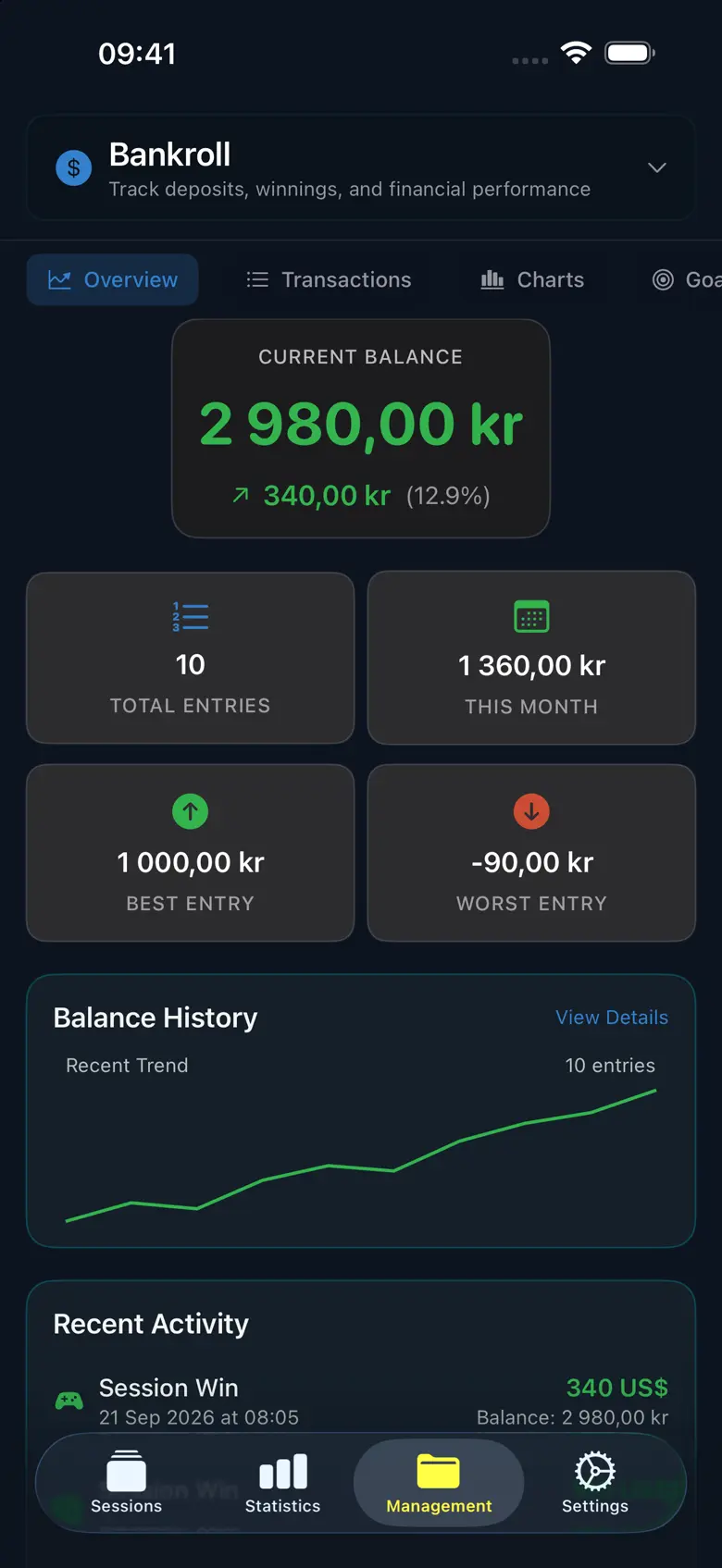
- Multi-currency bankroll — cash and tournament results roll into one bankroll in your own currency.
Check it's real, not variance
Before you trust a win rate, check the sample size and significance indicator. A green light means you've played enough hands for the number to mean something; a small sample is flagged so you don't over-read a hot or cold run.
Go deeper (Premium stats)
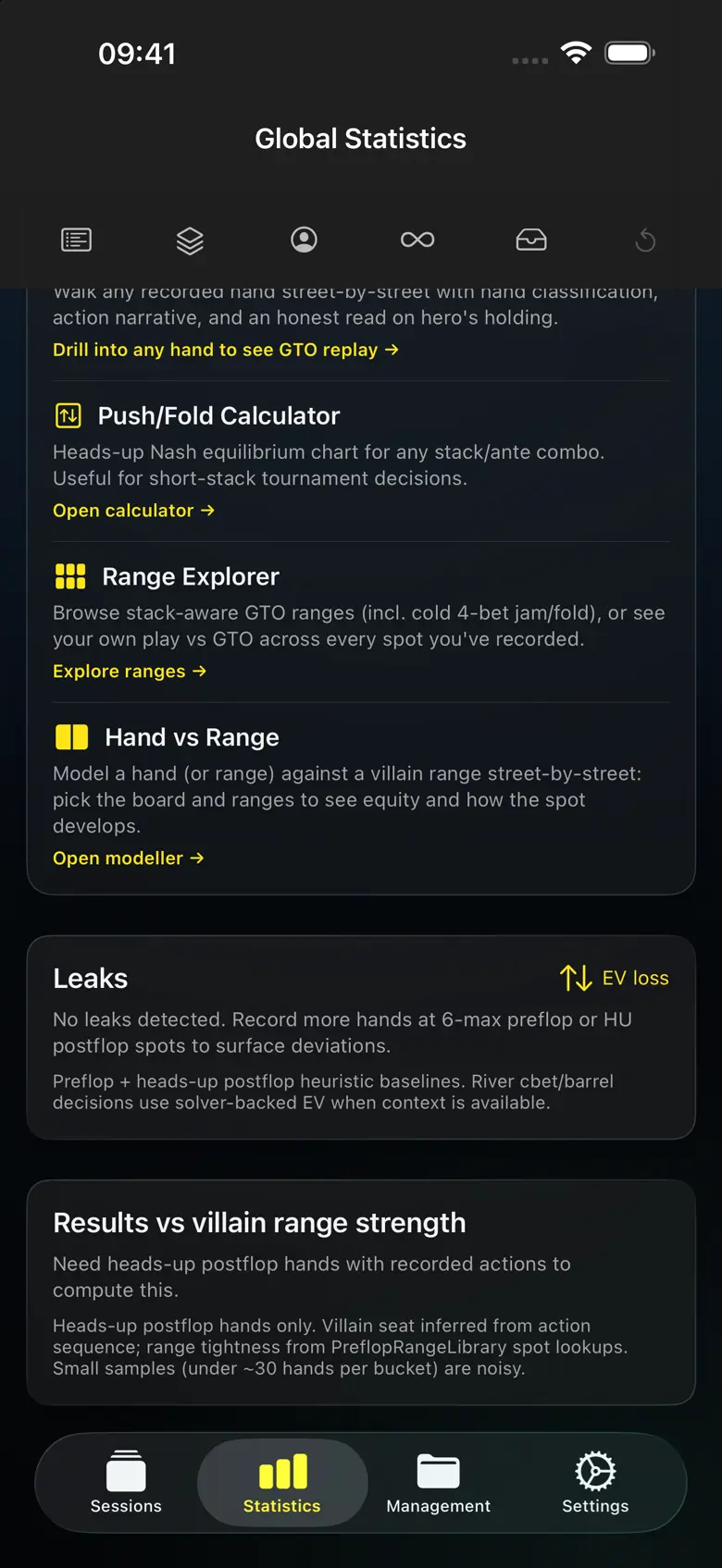
- VPIP / PFR / Aggression Factor — how loose, how aggressive, how you compare to a solid baseline.
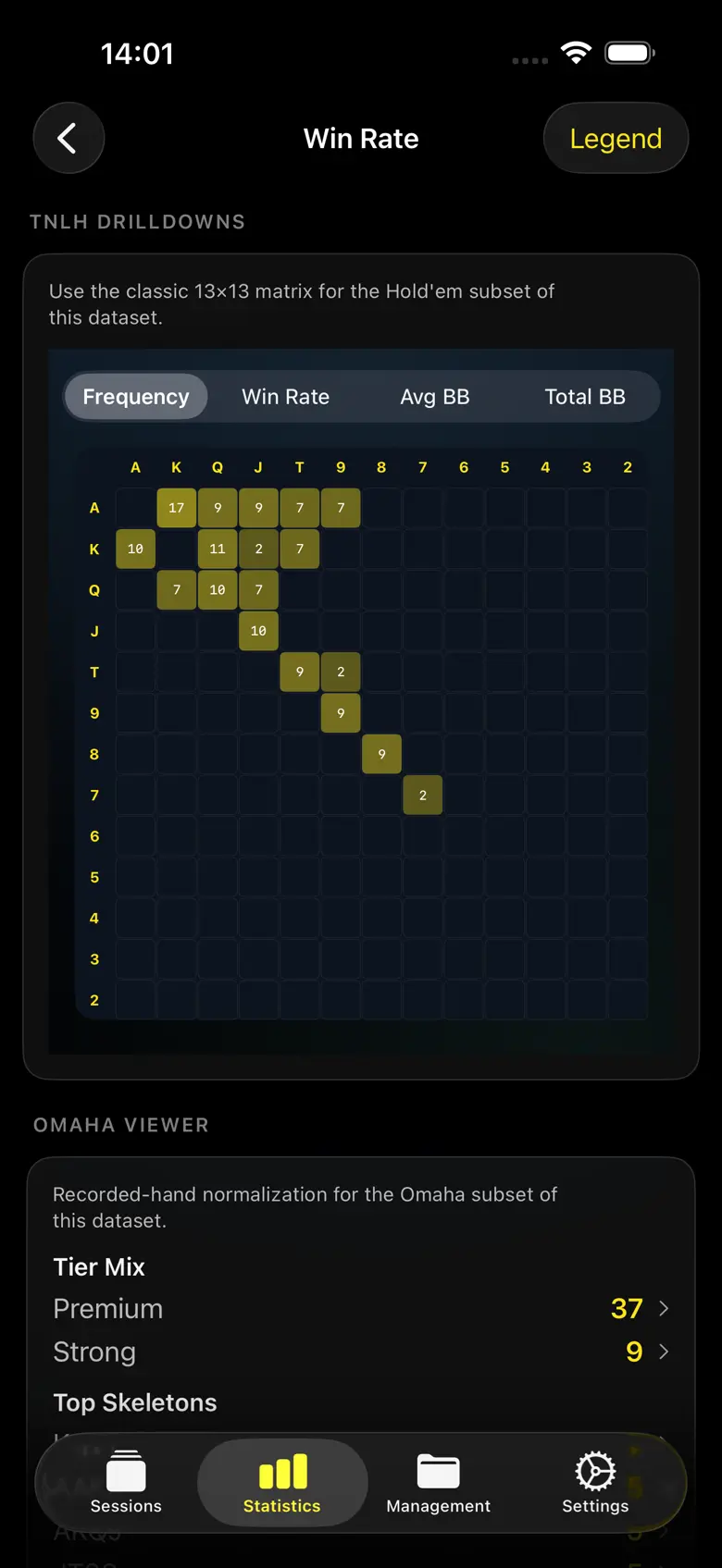
- 169-hand matrix — a colour-coded grid of profit by starting hand, so your leaks and your money-makers are obvious at a glance.
- Position analysis — VPIP, PFR and win rate broken down by seat.
Next
Happy with what you see? Export & share it → — your history belongs to you.